
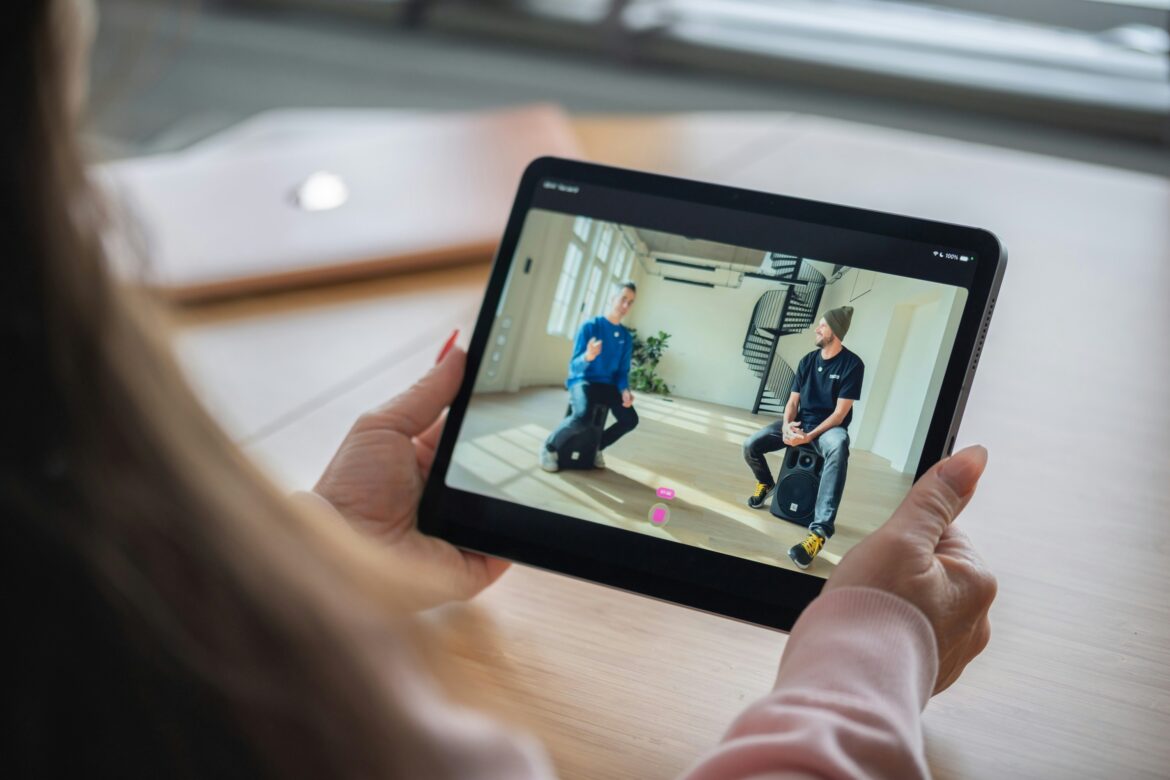
According to a retrospective record review published on PMC (National Center for Biotechnology Information, 2023), patients who adopted a phone-based app alongside their care attended an average of 7.79 appointments compared to 4.58 among those receiving usual care without app support – a difference large enough to directly affect both clinical outcomes and practice revenue. That gap illustrates something practitioners already sense: the app a clinic chooses to put in patients’ hands isn’t a minor operational detail. It’s a determinant of whether treatment plans actually get completed.
With dozens of platforms now marketed as a physical therapy app, the practical challenge for practitioners is distinguishing genuinely useful features from items on a marketing checklist that don’t move clinical outcomes.
What Separates a Clinically Useful Physical Therapy App From a Generic One
Most apps for physical therapy on the market today share a similar surface-level pitch: video exercises, reminders, progress tracking. The differences that matter clinically sit beneath that surface: in exercise library depth, the quality of clinical cueing, how data flows back to the therapist, and whether the app integrates with existing clinical workflows rather than functioning as an isolated tool.
Practices that select based on surface features often end up with low patient adoption, because the gap between “this app exists” and “patients actually use it consistently” is wide. The features below are the ones that consistently determine which side of that gap a platform falls on.
Must-Have Features in a Modern Physical Therapy App
Must-Have Feature 1: A Clinically Validated Exercise Library
A generic fitness library is not suitable for Physical Rehabilitation and should have clinically validated rehabilitation focused exercises with appropriate rehabilitation focused cuing for post-surgical, post-injury and chronic condition patients. The physical therapist and patient can benefit from being able to search for specific exercises by body part, condition, equipment required for exercise and by level of difficulty. A library of a few hundred rehabilitation exercises found in under a minute is far more valuable than a large library of general exercises. These exercises are likely to have been validated for clinical use, have appropriate rehabilitation cues and have been organized into a useful searchable format such as by body part, condition, equipment needed or by level of difficulty.
Must-Have Feature 2: Adherence Tracking Visible to the Therapist
The most common complaint is that a practice’s physical therapy app tracks patients’ activity but that information never surfaces at the right time for the clinician. For example, before a clinician’s sessions for the day, they would like to review a list of all their patients and see for example: patients who have not completed their physical therapy program for the week; patients who have not done a certain exercise in the last week; and patients who have not logged into the physical therapy app for weeks.
Must-Have Feature 3: Built-In Outcome Measurement
An app focused purely on exercise delivery misses half the value proposition. The ability to deliver standardized outcome questionnaires – GROC, condition-specific tools, pain scales – directly through the same app patients already use for their exercises means therapists get structured progress data without adding a separate workflow step.
This matters for two reasons: it gives practitioners objective evidence of patient progress to guide clinical decisions, and it gives patients visible proof that their program is working, which is one of the strongest predictors of continued engagement.
Must-Have Feature 4: Secure, Two-Way Patient Communication
Patients need a way to ask a quick question about an exercise, report a new symptom, or flag confusion without calling the front desk. A physical therapy app that includes secure, HIPAA-compliant messaging between the patient and their care team closes a communication gap that otherwise sits open between scheduled visits – exactly the gap where disengagement tends to begin.
Must-Have Feature 5: HIPAA Compliance and a Signed BAA
This is non-negotiable, not a differentiating feature. Any app handling patient health information must be HIPAA-compliant, and the vendor must provide a Business Associate Agreement (BAA) before deployment. Apps marketed as “HIPAA-friendly” without offering a BAA should be treated as a compliance risk, not a viable option, regardless of how strong their other features are.
Must-Have Feature 6: EHR and Practice Management Integration
A physical therapy app that operates as a disconnected silo creates duplicate data entry and inconsistent records. The strongest platforms integrate with existing EHR and practice management systems, so exercise programs, adherence data, and outcome measures flow into the clinical record automatically rather than requiring manual transcription after each session.
How to Select a Physical Therapy App: A Step-by-Step Process
- Identify your practice’s specific gap. Is the priority patient adherence, outcome reporting, communication, or telehealth delivery? Different apps excel in different areas, and clarity here narrows the field significantly before any demos happen.
- Shortlist platforms with clinically validated content. Eliminate any app whose exercise library isn’t built specifically for rehabilitation populations, regardless of its other features.
- Test the patient experience directly. Download the app as a patient would. Walk through onboarding, exercise playback, and logging a completed session. Friction here predicts low adoption later.
- Confirm integration with your current EHR. Ask for a live demonstration of data flow between the app and your existing syste.
- Request a signed BAA before any pilot. This should happen before patient data touches the platform in any capacity, including a trial period.
- Run a limited pilot and measure adherence specifically. Track completion rates for a defined patient cohort over four to six weeks before committing practice-wide. Adoption data from your own patient population is more reliable than vendor case studies.
A platform that satisfies all six steps removes the need to stitch together separate tools for each function.
Comparing What to Look For vs. What to Avoid
| Feature Area | Look For | Red Flag |
| Exercise content | Clinically validated, filterable by condition | Generic fitness content with no clinical cueing |
| Adherence data | Visible to therapist before sessions | Buried in a separate, rarely-checked dashboard |
| Outcome measures | Built into the same patient workflow | No standardized measurement tools at all |
| Compliance | Signed BAA offered upfront | “HIPAA-friendly” language with no BAA |
| Integration | Live demo of EHR data sync | Vague claims of “integration available” |
The Right App Is the One Patients Actually Use
The data that practitioners need to use before they see their patients in clinic needs to be presented to them before their sessions with their patients. Data that is put into a separate tracking data dashboard and is less likely to be retrieved by the practitioner on a regular basis because it takes too long to pull the information and then review it in addition to the time spent reviewing a patient’s chart.All things considered, the physical therapy app features listed above are not as important as how physical therapy apps are used by patients and staff at physical therapy practices on a daily basis. Therefore, choosing the best physical therapy app for a physical therapy practice is best determined by focusing on the features that will extend the clinical work of physical therapists in a physical therapy practice between physical therapy sessions with patients and between physical therapy sessions with patients and staff at the physical therapy practice.
Frequently Asked Questions
How can I tell if a physical therapy app will actually get used by my patients, not just downloaded?
Pilot the App – Get Real World Data On “Piloting an app” with a defined group of patients and finding out how “sticky” it is before you ‘roll out’ the app to the rest of the practice is key. Use this opportunity to review completion rates for patients on a week by week basis. Most apps are dumped after the first 2 weeks of ‘bad’ onboarding or ‘clunky’ navigation. Don’t waste your time and that of your staff and patients – use their feedback to improve the app or move on to a better solution. The feedback from a pilot is far more valuable than any case study from the vendor.
What should I look for when comparing apps for physical therapy across different clinical specialties?
The physical therapy app should have a variety of of exercises for different body regions and medical backgrounds. For example, the exercise library should have a variety of pelvic floor rehabilitation exercises, neurological rehabilitation exercises, and sports medicine rehabilitation exercises. In addition, the exercises should be suitable for patients with a variety of medical backgrounds, such as post surgical patients, patients with chronic diseases and healthy individuals. A large number of very general exercises that can be modified for individual patients is not as efficient as a large number of very specific exercises that can be prescribed as is to individual patients.
Is it worth paying more for a physical therapy app with built-in outcome measurement tools?
Yes, generally because the physical therapy program’s current method of reporting outcome measures likely is a cumbersome process of duplicate data entry. The built-in tools will save the practitioner’s time and streamline the process of tracking a patient’s progress in physical therapy as well as in gathering documentation for payers.
How do I select a physical therapy app that works well for both younger and older patient populations?
In summary, when selecting physical therapy apps, it is crucial to assess the ease of use for the app. Many features can be incorporated into physical therapy apps; however, if the physical therapy app is too complicated for patients of all ages to use, then the physical therapy app will not be beneficial to the patient or the physical therapist. This is especially true for older patients. They generally respond better to simple interfaces with large text and few steps to reach a goal. Also, older patients generally respond better to short video tutorials as opposed to text-based instructions for exercise.
Can a physical therapy app replace in-person follow-up entirely?
No. A physical therapy app is best used to extend the treatment of a patient between sessions of physical therapy with a therapist. Such an app is to follow up on a patient’s adherence to a home exercise program and to record the patient’s progress on parameters such as pain and functional ability. A physical therapy app can also be used for communication between a patient and his/her therapist. An app that is touted as a replacement for in-person follow-up by a physical therapist would warrant additional scrutiny.
Written by media@blogmanagement.io